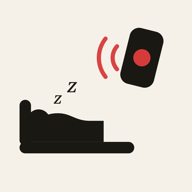
A remote wake-up alarm needs to know one thing: whether the paired child device is reachable. It does not need to know where that device is, and WakeKids does not ask.
A design choice, not a missing feature
It would be straightforward to add location tracking to a family app — plenty of apps in this category do. WakeKids does not, on purpose. The product does one job: send a wake-up alarm and report whether the wake screen was acknowledged. Location is not part of that job, so it is not collected, stored, or requested.
What this means in practice
- No GPS or location permission is requested by the app for the wake-up feature.
- There is no location history, no geofencing, and no "last seen" map.
- Less location data collected also means less that could ever be exposed if an account or device were compromised.
Where this boundary sits
This is a deliberate scope decision, not a claim about what any other app should do — families have real reasons to want location tools, and WakeKids simply is not one. If location visibility is what you are looking for, it is worth choosing a tool built for that specifically, rather than expecting an alarm app to grow into it later. See What to check before installing an alarm app for the fuller evaluation framework.
Try a wake-up together
Install WakeKids on both phones, pair them and test a wake-up before the next school morning.